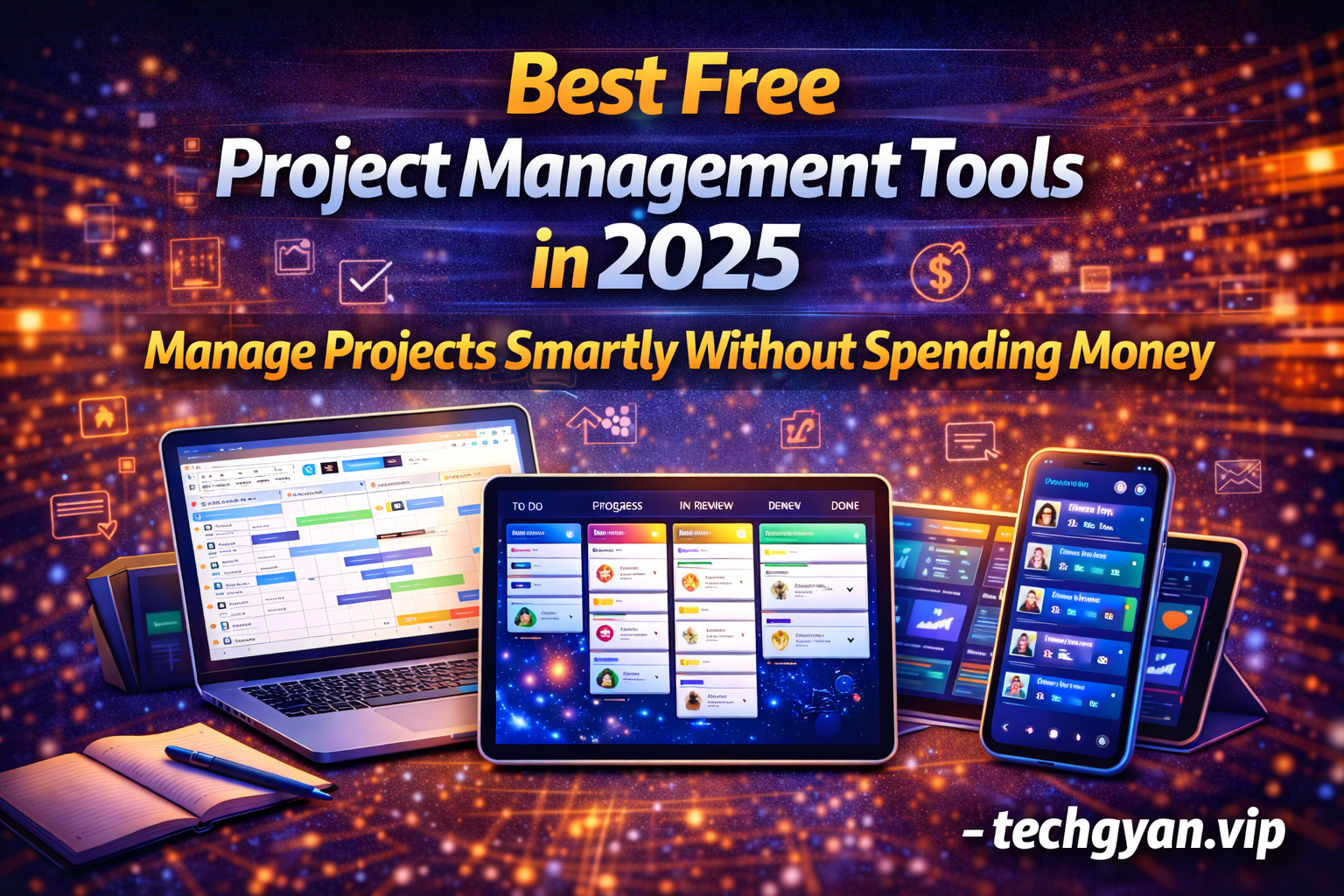
Project management has become an essential skill in today’s fast-paced digital world. Whether you are a student working on group assignments, a freelancer managing multiple clients, a startup founder, or a professional handling office projects, staying organized is crucial. In 2025, project management tools have evolved significantly, offering powerful features even in their free versions.
Free project management tools help individuals and teams plan tasks, track progress, collaborate efficiently, and meet deadlines without investing money in expensive software. In this detailed guide, we will explore the best free project management tools in 2025, their features, benefits, and how they can improve productivity for students and professionals.
What Is Project Management Software?
Project management software is a digital tool that helps users organize tasks, plan workflows, assign responsibilities, track progress, and collaborate with team members. These tools provide a centralized platform where all project-related information is stored and managed.
Common uses of project management tools include:
- Task planning and scheduling
- Team collaboration and communication
- Tracking deadlines and milestones
- Managing workloads efficiently
- Improving productivity and accountability
Why Use Free Project Management Tools in 2025?
In 2025, free project management tools are powerful enough to handle most small- to medium-scale projects. Here’s why they are worth using:
- No financial investment required
- Easy to use for beginners
- Cloud-based access from anywhere
- Supports teamwork and collaboration
- Improves organization and time management
Key Features to Look for in a Free Project Management Tool
Before choosing a project management tool, consider the following features:
- Task creation and assignment
- Due dates and reminders
- Collaboration and comments
- File sharing support
- User-friendly interface
- Mobile and desktop access
—
Best Free Project Management Tools in 2025
Below is a list of the most reliable and widely used free project management tools in 2025.
—
1. Trello – Best Visual Project Management Tool
Trello is one of the most popular free project management tools, known for its simple and visual interface. It uses boards, lists, and cards to organize tasks.
Key Features:
- Kanban-style task boards
- Drag-and-drop task management
- Task checklists and due dates
- Collaboration with team members
Why It’s Great: Trello is extremely easy to use, making it perfect for beginners, students, and small teams.
Best For: Personal projects, students, freelancers, and small teams.
—
2. ClickUp (Free Plan) – Best All-in-One Tool
ClickUp offers one of the most feature-rich free plans among project management tools. It combines task management, docs, goal tracking, and collaboration.
Key Features:
- Task and subtask management
- Multiple project views (list, board, calendar)
- Docs and notes
- Time tracking (limited)
Why It’s Great: ClickUp’s free version is powerful enough for serious project planning.
Best For: Teams, startups, and professionals.
—
3. Asana (Free Version) – Best for Team Collaboration
Asana is a well-known project management platform that focuses on teamwork and task clarity. Its free plan supports small teams efficiently.
Key Features:
- Task assignment and deadlines
- Project timelines
- Team collaboration tools
- Clean and professional interface
Why It’s Great: Asana helps teams stay aligned and organized.
Best For: Small teams and collaborative projects.
—
4. Notion – Best for Custom Project Planning
Notion is more than just a project management tool—it’s a complete workspace. Users can create custom project dashboards, task lists, and workflows.
Key Features:
- Customizable templates
- Task databases and boards
- Notes and documentation
- Collaboration features
Why It’s Great: Notion offers flexibility and creativity in managing projects.
Best For: Students, content creators, and planners.
—
5. Monday.com (Free Tier) – Best for Structured Workflows
Monday.com provides a visually appealing interface for managing tasks and workflows. Its free plan is suitable for basic project tracking.
Key Features:
- Visual task boards
- Status tracking
- Basic automation
- Team collaboration
Why It’s Great: Simple layout with clear task progress indicators.
Best For: Beginners and small teams.
—
6. Wrike (Free Plan) – Best for Task Tracking
Wrike offers a professional project management experience with task lists, folders, and collaboration tools in its free version.
Key Features:
- Task and folder organization
- Basic reporting
- Team collaboration
Best For: Professionals handling structured projects.
—
7. Todoist – Best for Simple Task Management
Todoist is a lightweight task management tool that helps individuals and small teams stay organized.
Key Features:
- Task lists and priorities
- Due dates and reminders
- Cross-platform access
Why It’s Useful: Ideal for managing daily tasks and small projects.
—
Comparison: Which Tool Should You Choose?
Here’s a quick guide to help you choose the right free project management tool:
- Best for Beginners: Trello
- Best All-in-One Tool: ClickUp
- Best for Teams: Asana
- Best Customization: Notion
- Best Simple Task Management: Todoist
—
Benefits of Using Project Management Tools
Using project management tools offers several advantages:
- Improved organization and clarity
- Better time management
- Increased team productivity
- Reduced stress and confusion
- Better communication and accountability
—
Tips to Use Free Project Management Tools Effectively
- Break projects into small tasks
- Set realistic deadlines
- Assign responsibilities clearly
- Review progress regularly
- Avoid over-complicating workflows
—
Are Free Project Management Tools Enough in 2025?
Yes, for most individuals, students, freelancers, and small teams, free project management tools are more than sufficient. They offer essential features needed to manage tasks and collaborate effectively. Paid plans are only necessary for large teams or advanced reporting needs.
—
Conclusion
In 2025, free project management tools provide powerful features that help individuals and teams stay organized, productive, and focused. Tools like Trello, ClickUp, Asana, Notion, and Todoist make it easy to manage projects without spending money. By choosing the right tool based on your needs, you can improve workflow efficiency and achieve your goals more effectively.